
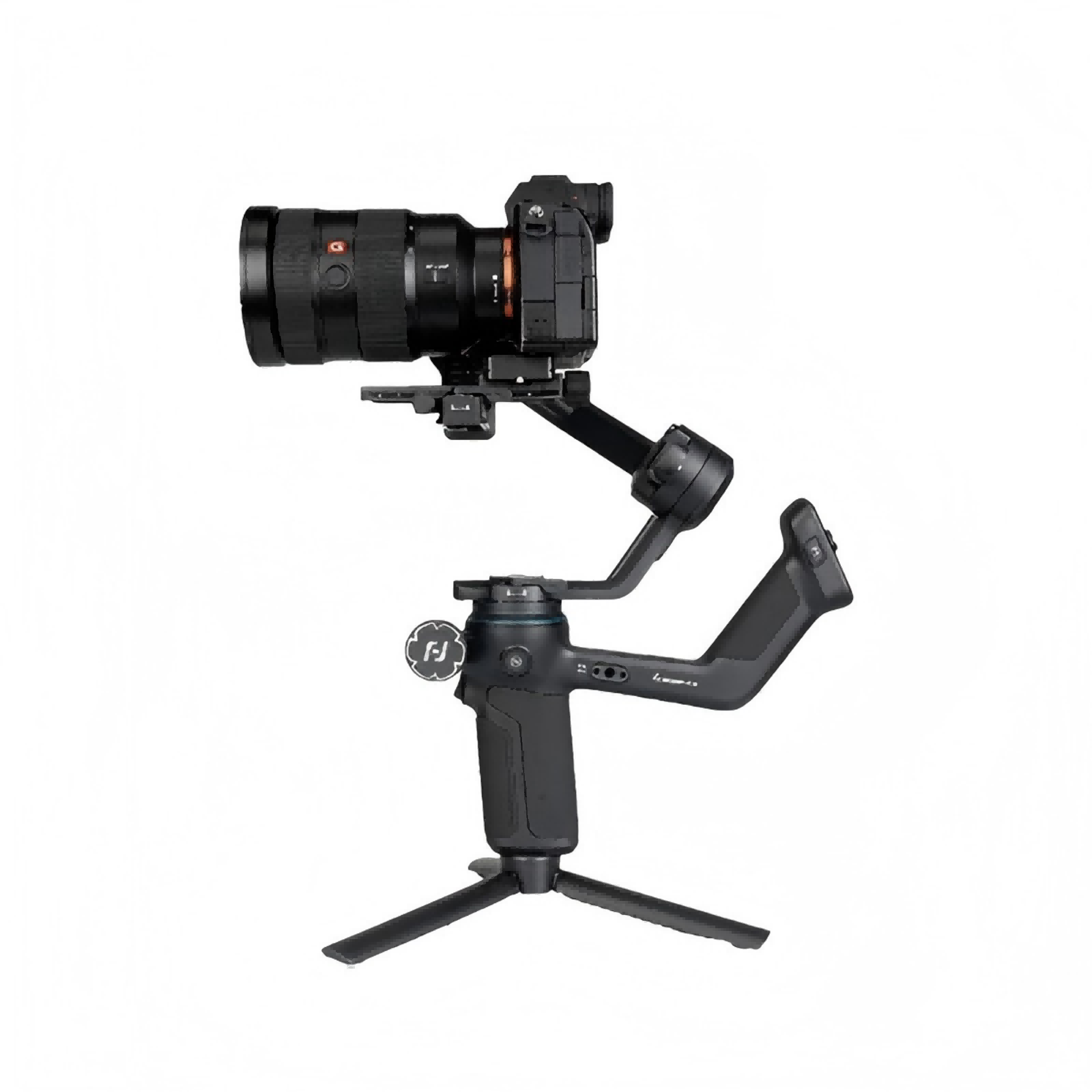
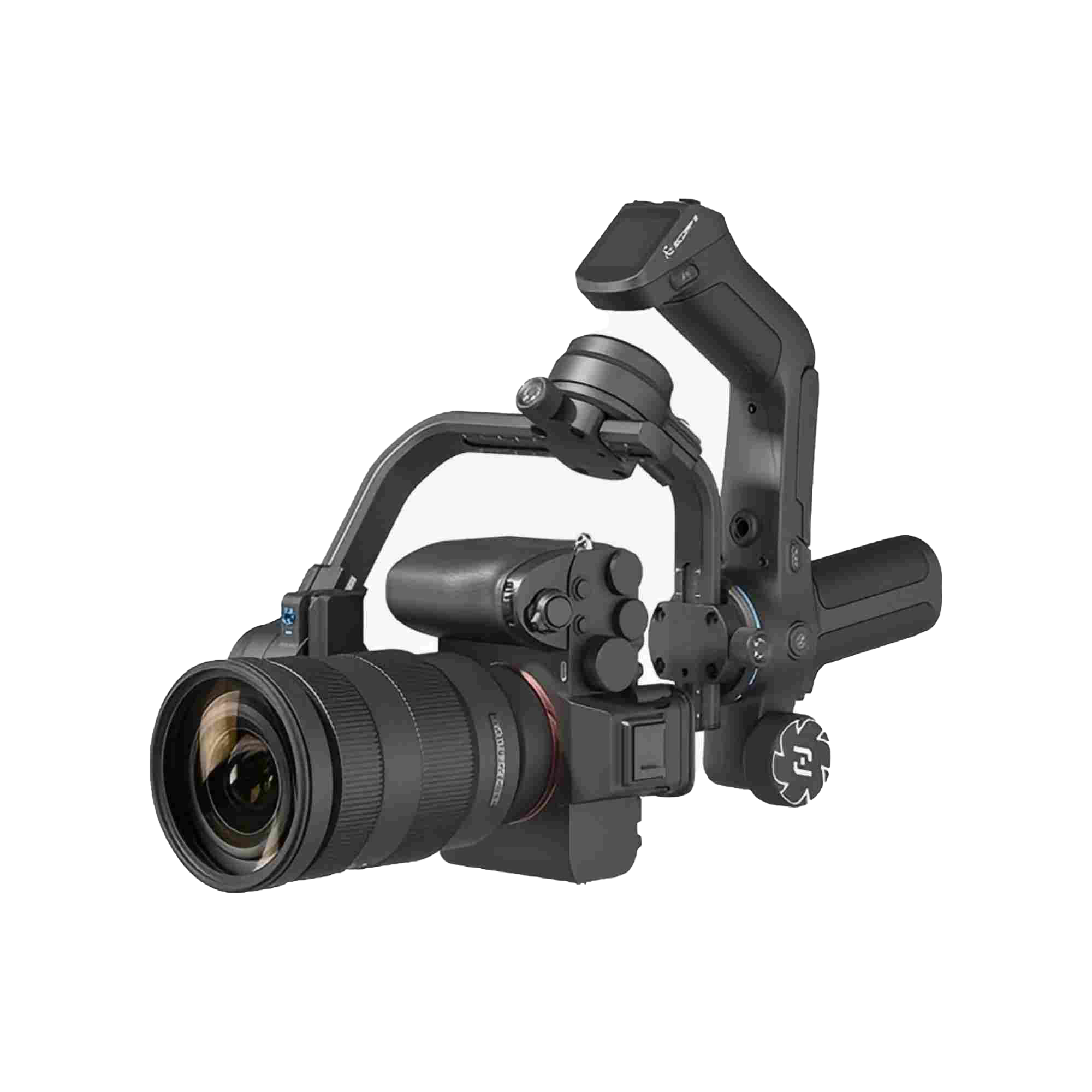
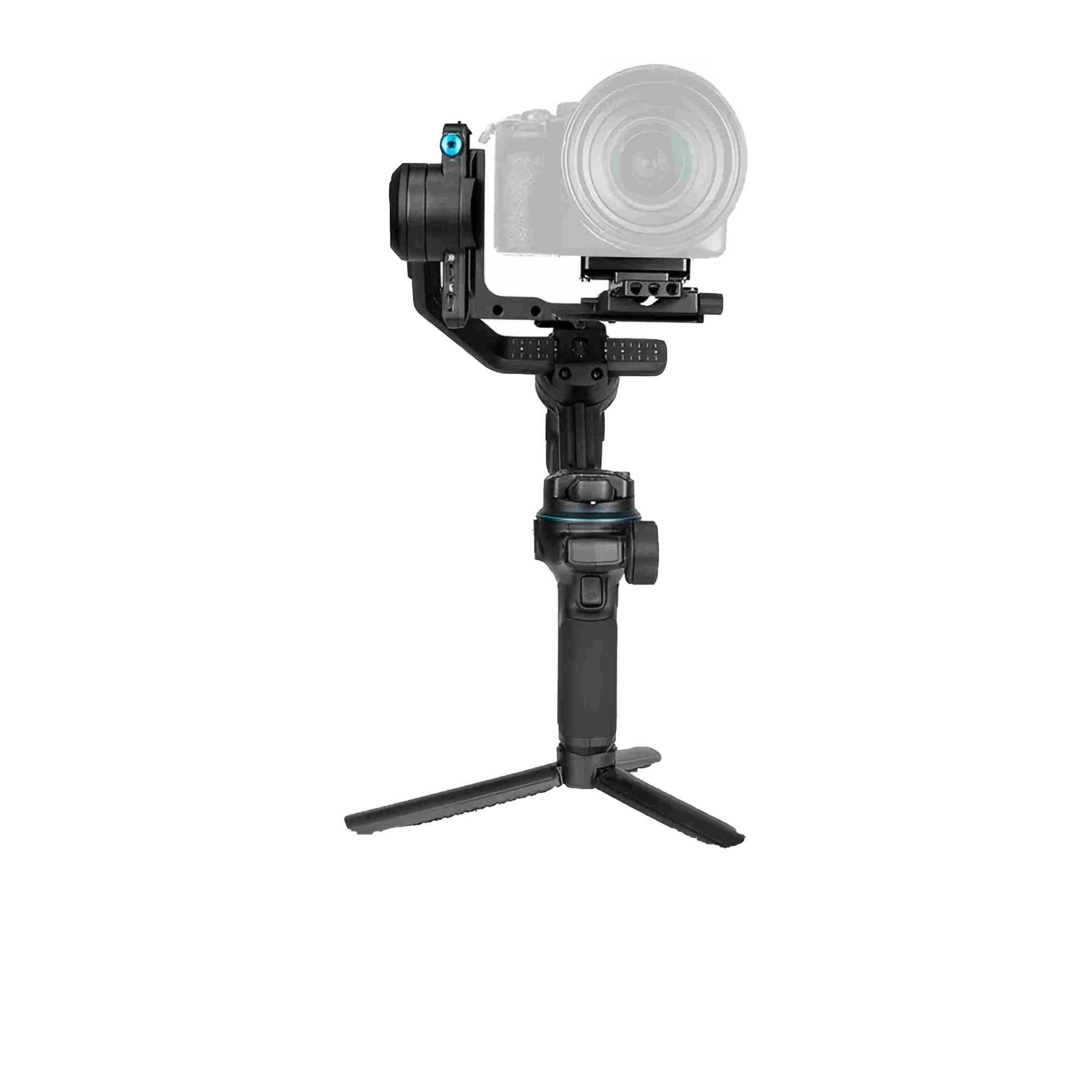
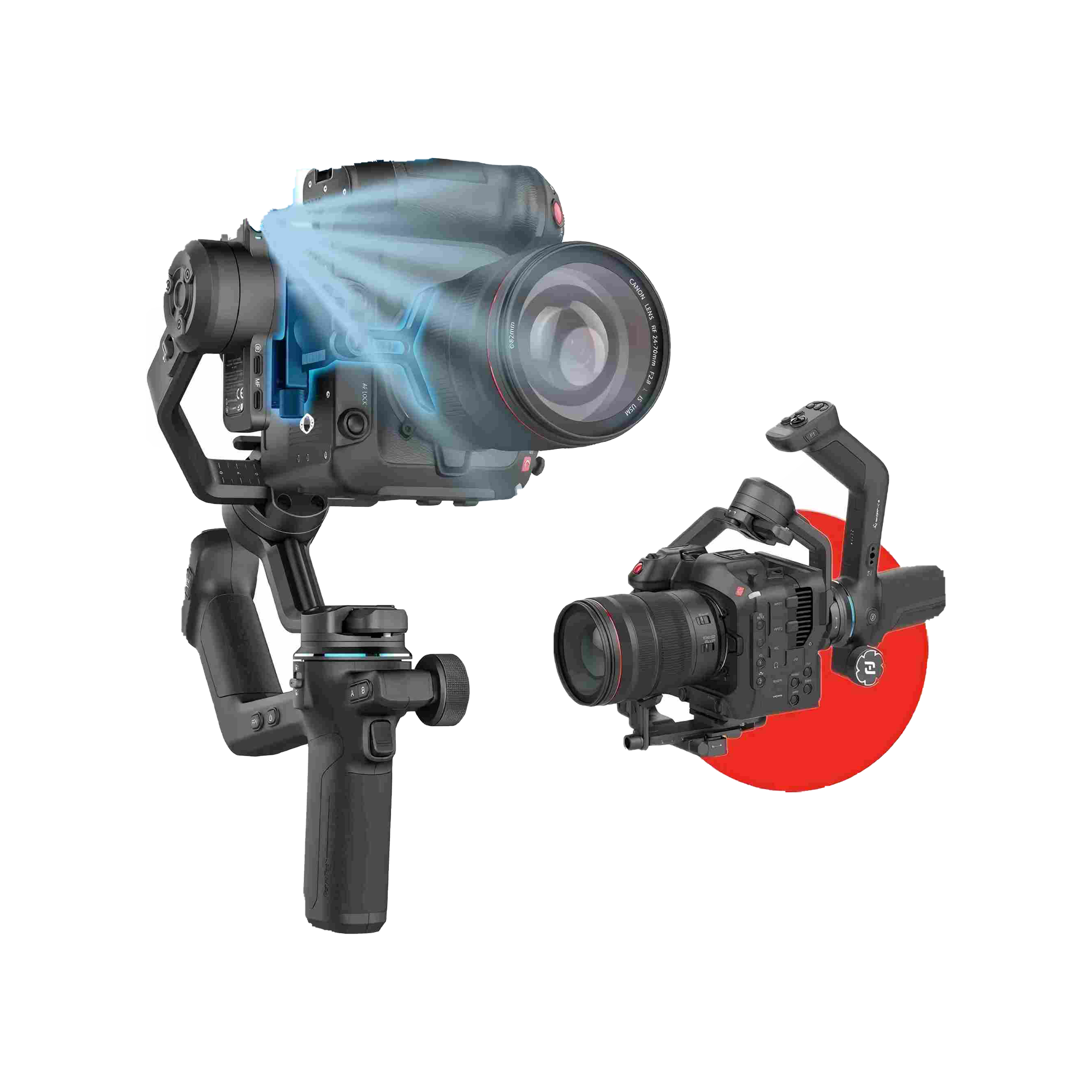
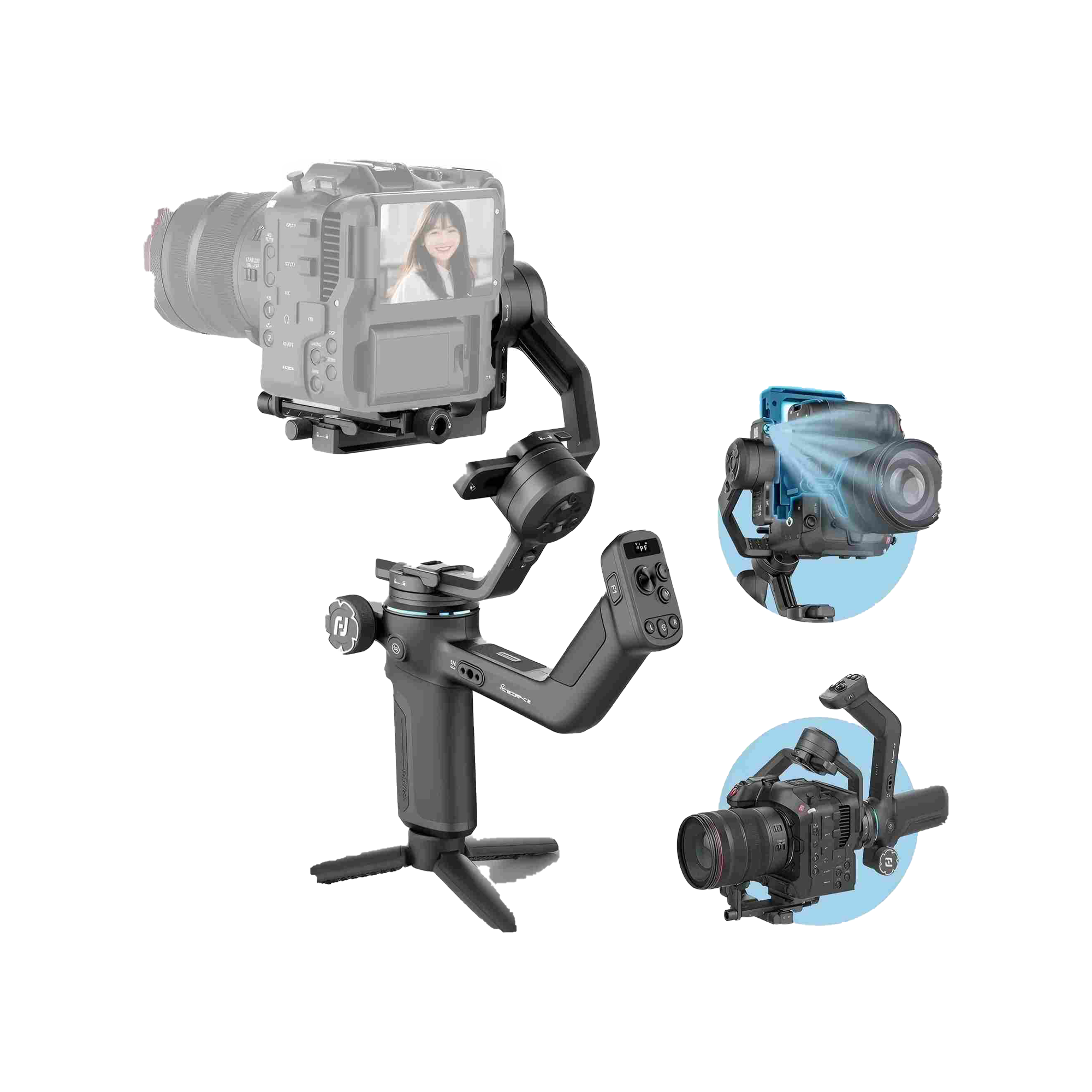
FeiyuTech Scorp C2 DSLR Gimbal
• 3,5 kg Traglast – kompatibel mit Sony, Canon & Nikon
• Integriertes KI-Tracking – keine App erforderlich
• Bis zu 14 Stunden Akkulaufzeit
• Professionell geprüft & versandkostenfrei
Abholung von Grevona-Essen, DE möglich
Gewöhnlich fertig in 24 Stunden
FeiyuTech Scorp C2 DSLR Gimbal
Scorp C2
Grevona-Essen, DE
Hafenstraße 100
45356 Essen
Deutschland
Schnelle Lieferung aus deutschem Lager
Kostenlose Rücksendung bei Nichtgefallen
Lebenslanger technischer Support inklusive
Showroom & Service-Center in Essen

Fast Bluetooth Control
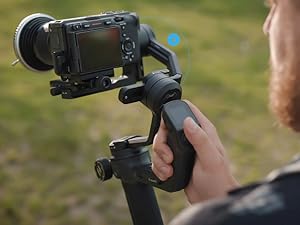
Pair yourSony,Canon,Nikon DSLR mirrorless camerasviaBluetooth. Start recording or trigger focus instantly with a single press of the shutter button

Electric Multifunction Knob
Magnetic sensor. Enables precise control over axis rotation, followfocus, or zoom-delivering a smooth and professional handling experience
Produktspezifikation
FeiyuTech
FeiyuTech SCORP C2
SCORP 2 Gimbal x1; Stativ x1; Kamera-Steuerungskabel x7; Feste Platte x1; Schnellwechselplatte x1; Schieber x1; Kamera Rückseite Basis x1; Kamera feste Schraube x3; Objektivhalter x1; Objektivhalterschraube x1; USB 2.0 auf Typ-C-Kabel x1
B0CNVPRJSQ
3500 Gramm
7,1T x 25,7B x 26H cm
1320 Gramm
10.16 inches (l) x 2.79 inches (w) x 9.84 inches (h)
Kamera
Motorisierte 3-Achsen-Stabilisierung
MP4, MOV, AVI
1080p, 4K
P, A, S, M, Auto, Hochformat, Querformat
Manuell (M)
Nicht wasserfest
Häufig gestellte Fragen
What should I do if AI tracking doesn’t respond when trying to activate it?
1) Restart Al or the gimbal: Turn the AI Power option OFF and ON again, or restart the gimbal
2) Check tracking mode: Make sure the gimbal is currently in Al tracking mode. If not, switch back to Al tracking mode.
How to unpair the phone's Bluetooth connection and the handle's wireless connection with the gimbal?
Push the joystick downwards and triple-tap the power button on the remote handle simultaneously. Then restart the gimbal.
Note: After unpairing the gimbal's Bluetooth, you also need to manually delete the pairing record on your phone
What should I do if the gimbal axis rotates automatically?
Method : First, switch to a non-FPV mode. Then swipe from right to left on the main screen, selectGimbal Settings > Horizontal Calibration > Auto Calibration. Let it stand still for a few seconds to complete calibration.
What to do if the gimbal motors don't work after powering on?
1) Ensure the three motor locks on the gimbal are unlocked and all three axes are correctly balanced.
2) Attach the Remote Handle properly to the gimbal and quintuple-tap the M button on the handle for auto-calibration.
What do the screen prompts E2~E5 mean?
E2 indicates handle idling protection.
E3 indicates overload protection.
E4 indicates gimbal vibration.
E5 indicates gimbal internal error (including initialization failure, firmware mismatch)